# Three.js Quick Guide
### Prerequisites
* Basic knowledge of JavaScript
* Familiarity with Three.js
* Registered API key (request from our portal)
### Fetch data from our API
Don't forget to use your API key to authenticate.
```javascript
import axios from "axios";
// API Configuration
const API_KEY = "your_api_key_here";
const API_URL = "https://api.cityweft.com/v1/context";
const data = await axios.post(
API_URL,
{
polygon: [
[50.086731028776285, 14.401643218091237],
[50.086731028776285, 14.405974478768172],
[50.089008255862154, 14.405974478768172],
[50.089008255862154, 14.401643218091237],
[50.086731028776285, 14.401643218091237],
],
settings: {
defaultRoofType: "flat",
defaultLevels: 1,
defaultLevelHeight: 4,
topographyModel: false,
disableSurfaceProjection: false,
topographyReturnType: 'meshes'
},
},
{
headers: {
"Content-Type": "application/json",
Authorization: `Bearer ${API_KEY}`,
},
}
);
```
### Process the response
The response includes `origin` to georeference the model and `geometry` array that has all the requested geometry.
The available types in `geometry` right now are `buildings` , `surface`, `barriers`, `topography` , and `infrastracture`
```javascript
// response structure
"origin": [
50.086731028776285,
14.401643218091237
],
"geometry": [
{
"type": "buildings",
"meshes": [{ "vertices": [], descriptor: {} }]
},
{
"type": "surface",
"meshes": [{ "vertices": [], descriptor: {} }]
},
...
]
}
```
To improve and implement the request of distinguishing surface mesh types using a `type` field in a `descriptor` object, we can enhance the code by utilizing the `type` property and filtering based on that.
Each mesh has a `type` descriptor. As an example, let’s highlight all instances with an "asphalt" type. Here's how you could update the code to highlight meshes with type `"asphalt"`:
```javascript
const material = new THREE.MeshStandardMaterial({
color: mesh.descriptor.type === "asphalt" ? "#dc0d0d" : getRandomColour(),
});
```
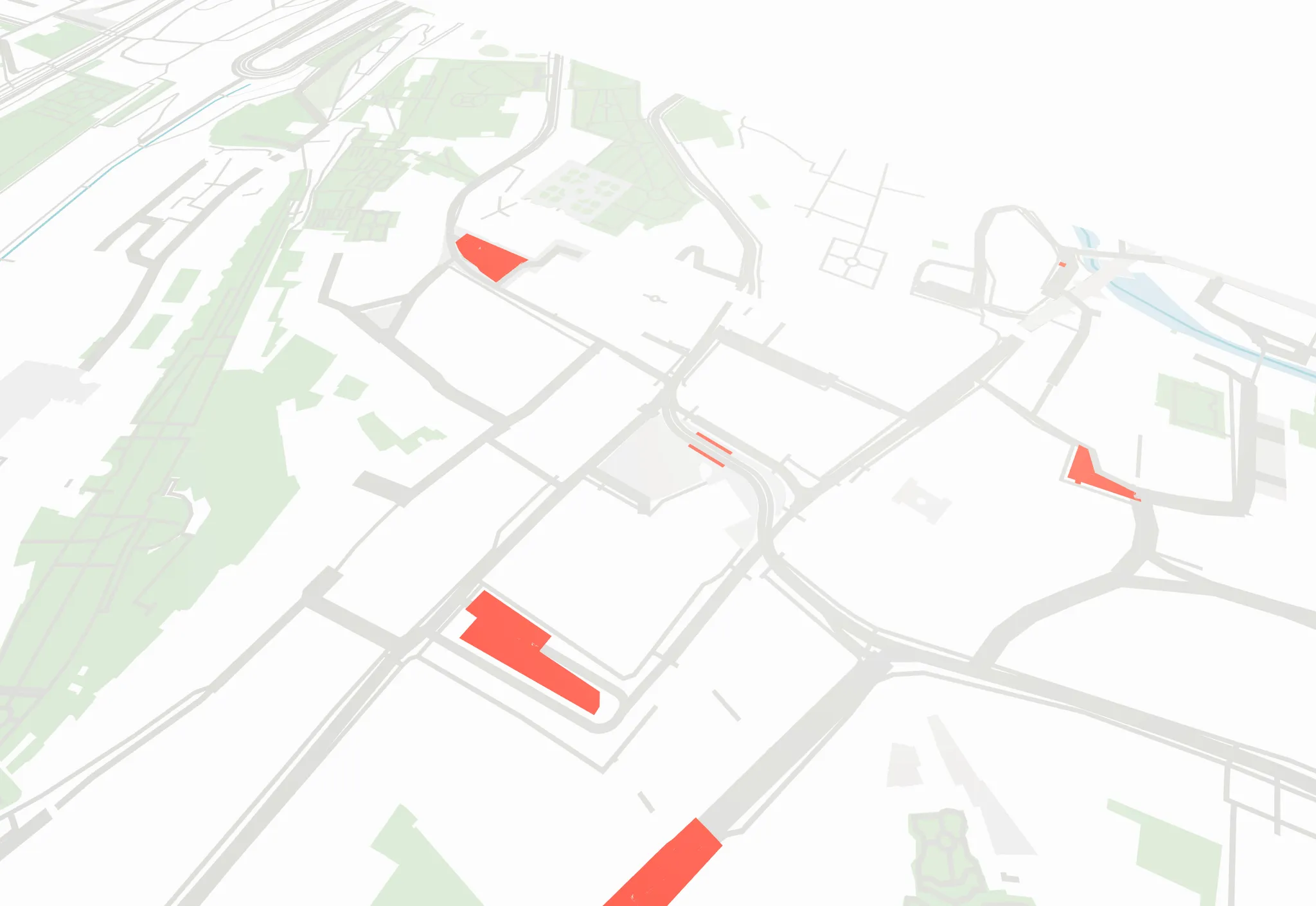
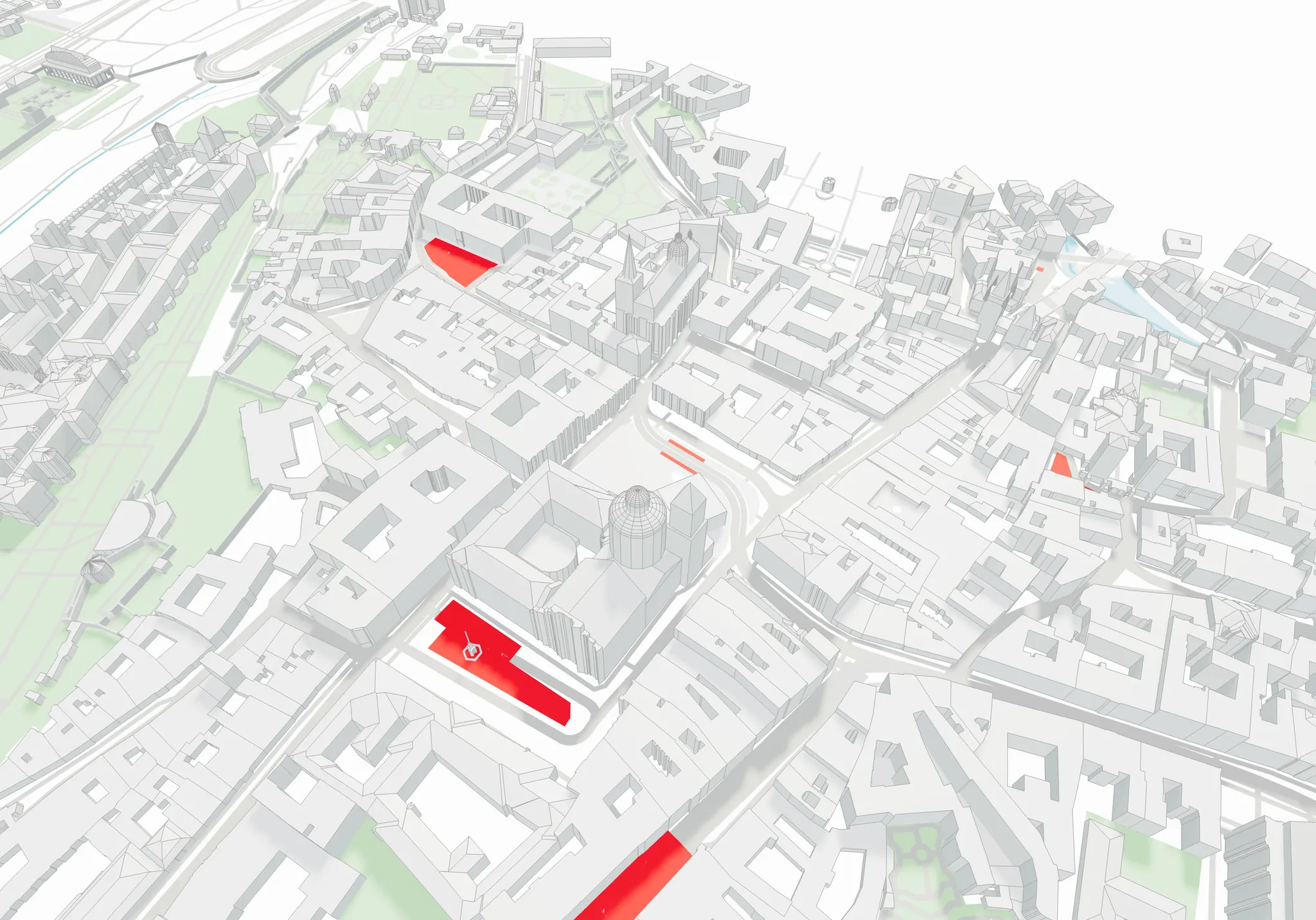
As a result of this small change, you will now see all the surface meshes corresponding to the asphalt type:
Highlited "asphalt" meshes
### Rendering
```javascript
data.geometry.forEach((g) => {
const { type, geometryType } = g
if (geometryType === 'elevationMaps' || geometryType === 'nodes') {
// process elevationMaps and nodes according to your needs
// more details below
return
}
const geometry = g[geometryType]
meshes.forEach((mesh) => {
const geometry = new THREE.BufferGeometry();
const verticesArray = new Float32Array(mesh.vertices);
geometry.setAttribute( 'position', new THREE.BufferAttribute( verticesArray, 3 ) );
geometry.computeVertexNormals();
const material = new THREE.MeshStandardMaterial({
color: "#95a5a6",
});
const mesh = new THREE.Mesh(geometry, material);
scene.add(mesh)
})
})
```
### Elevation Maps
You can now receive elevation maps from the Cityweft API. This can reduce the amount of transferred data and improve the look of the surface model in Three.js. Here's how to implement elevation mapping using regular Three.js:
```javascript
// Assuming you have received geometry with elevationMap data
const { elevationMap, info } = geometry;
const { terrainSize, segmentsCount, moveVector } = info;
// Create plane geometry
const planeGeometry = new THREE.PlaneGeometry(
terrainSize,
terrainSize,
segmentsCount,
segmentsCount
);
// Apply elevation map
if (elevationMap && elevationMap.length > 0) {
const positionAttribute = planeGeometry.attributes.position;
for (let i = 0; i < positionAttribute.count; i++) {
const vertex = new THREE.Vector3();
vertex.fromBufferAttribute(positionAttribute, i);
if (elevationMap[i] !== undefined) {
vertex.z = elevationMap[i];
positionAttribute.setXYZ(i, vertex.x, vertex.y, vertex.z);
}
}
positionAttribute.needsUpdate = true;
planeGeometry.computeVertexNormals();
}
// Create material
const material = new THREE.MeshStandardMaterial({
color: 0x95a5a6,
wireframe: false,
side: THREE.DoubleSide
});
// Create mesh
const terrain = new THREE.Mesh(planeGeometry, material);
// Add to scene
scene.add(terrain);
```
This code creates a terrain mesh using the elevation map data received from the API. The elevation values are applied to each vertex of the plane geometry, creating a detailed topographical representation.
Key points to note:
* The plane geometry is created with the specified terrain size and segment count
* Elevation data is applied to the Z coordinate of each vertex
* Vertex normals are recomputed after modifying the geometry
* The mesh is rotated and positioned according to the provided move vector
This implementation provides the same functionality as the React Three Fiber version but uses vanilla Three.js syntax.\
---
# Agent Instructions: Querying This Documentation
If you need additional information that is not directly available in this page, you can query the documentation dynamically by asking a question.
Perform an HTTP GET request on the current page URL with the `ask` query parameter:
```
GET https://cityweft.gitbook.io/docs/getting-started/three-quick-guide.md?ask=
```
The question should be specific, self-contained, and written in natural language.
The response will contain a direct answer to the question and relevant excerpts and sources from the documentation.
Use this mechanism when the answer is not explicitly present in the current page, you need clarification or additional context, or you want to retrieve related documentation sections.